Free Government Android Phone: Complete 2026 Guide
Last updated: 2026-05-28
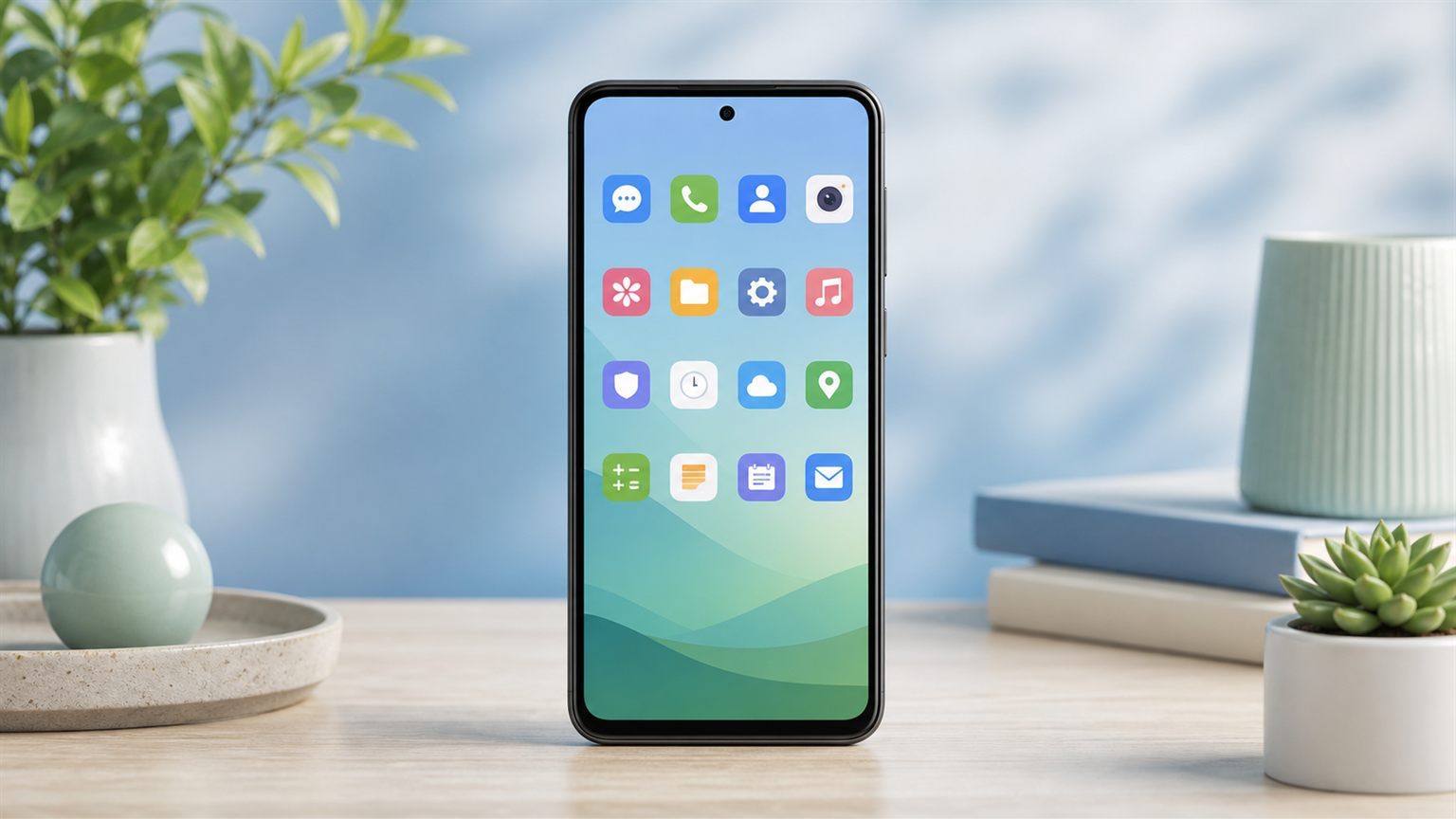
Android phones are commonly offered by many Lifeline and free phone providers because they are available from multiple manufacturers and can work well for everyday calling, texting, browsing, email, maps, and apps. If you qualify for Lifeline, an Android phone may be available through some providers, but a free Android phone is not guaranteed. Availability depends on provider, ZIP code, state, eligibility, inventory, plan rules, and current offers.
Some Lifeline providers may offer free or discounted Android phones to eligible users. Android phones are usually more common than iPhones in free phone offers, but a free Android phone is not guaranteed for everyone. Final availability depends on provider, ZIP code, state, eligibility, inventory, plan rules, and current offers. Lifeline is the active federal phone and internet discount program. ACP ended, and households stopped receiving ACP discounts on June 1, 2024. ApplyFreePhone.com is informational only, not a government agency, FCC, USAC, Android, Google, Samsung, or a provider.
Can You Get a Free Android Phone Through Lifeline?
The Lifeline program may help eligible low-income users reduce phone or internet service costs through participating providers. Some providers may include an Android phone offer with their plan. Phone availability varies by provider, ZIP code, state, inventory, and current offer. Lifeline itself is a service discount and does not guarantee a device.
Why Android Phones Are More Common Than iPhones
- Android devices are available from many manufacturers, which gives providers more inventory choices.
- Providers may have more Android stock in their distribution channels.
- Android phones can be easier to offer as entry-level or refurbished devices.
- iPhones may be limited, refurbished, paid upgrades, or unavailable depending on the provider.
- Users should compare current provider offers before expecting any specific model.
Free Android Phone Eligibility
| Eligibility path | What it means | What to check before applying |
|---|---|---|
| Lifeline eligibility | Federal phone and internet discount program for low-income households | Confirm current Lifeline rules through official sources |
| Income-based eligibility | Household income at or below the federal income threshold for your household size | Tax return, pay stubs, or benefit statements |
| SNAP | Participation in the Supplemental Nutrition Assistance Program | Current SNAP benefit letter or EBT enrollment |
| Medicaid | Active Medicaid enrollment | Medicaid card or current enrollment letter |
| SSI | Supplemental Security Income recipients | SSI award or benefit letter from SSA |
| Federal Public Housing Assistance | Participation in qualifying federal housing programs | Housing assistance award letter |
| Veterans Pension or Survivors Benefit | Qualifying VA pension or survivors benefit | VA benefit award letter |
| Tribal assistance programs (where applicable) | Residence on qualifying Tribal lands or Tribal program participation | Tribal program documentation and address verification |
| Provider-specific application rules | Provider may have its own application steps and verification flow | Review provider FAQs and required documents before applying |
Eligibility rules and documentation can vary by verification path and provider process. Review current Lifeline eligibility rules before submitting an application.
What Affects the Android Phone You May Receive?
- Provider inventory
- ZIP code and state
- Eligibility approval
- Network coverage
- New vs refurbished device availability
- Plan rules
- Shipping rules
- Upgrade or replacement policies
- Current provider promotions
Samsung, Motorola, TCL, Nokia, Google Pixel, or any other Android model should not be promised unless verified directly by the provider.
How to Apply for a Free Android Phone
- Check Lifeline or program-based eligibility.
- Gather documents if verification is needed.
- Compare providers available in your ZIP code.
- Review Android phone availability and plan rules.
- Complete the provider or verification application.
- Wait for approval and device confirmation before expecting shipment.
For a broader walkthrough, use the application guide. Delivery timing varies by provider, approval status, shipping rules, and inventory.
Free Android Phone vs Bring Your Own Phone
| Option | Best for | What to know |
|---|---|---|
| Free or discounted Android phone | Users without a current phone | Availability and device model vary by provider and ZIP code |
| Refurbished Android phone | Users open to a tested, reset device | Often used when new inventory is limited |
| Paid upgrade Android phone | Users who want a higher-tier device | Out-of-pocket cost set by the provider |
| Bring your own Android phone | Users with a compatible unlocked phone | Depends on carrier compatibility and BYOD rules |
BYOD acceptance depends on phone compatibility, unlock status, network support, and provider rules. For a deeper feature breakdown, see the Android vs iPhone comparison.
Free Android Phone Safety Tips
- Avoid pages promising guaranteed approval.
- Avoid offers saying everyone gets a free Android phone.
- Do not trust guaranteed Samsung, Pixel, or iPhone claims unless verified by the provider.
- Do not pay unexpected fees through gift cards, crypto, wire transfer, or suspicious links.
- Verify provider details before sharing personal information.
Learn how to spot common free phone scams before submitting any documents.
Why Android Is the Standard
Many Lifeline and free phone providers use Android smartphones because Android devices are available from multiple manufacturers and price ranges. This gives providers more flexibility when offering entry-level, refurbished, or discounted devices.
Budget Android phones can cover most everyday needs, including calls, texts, email, maps, basic apps, web browsing, and video calls. Premium phones may offer better cameras, faster processors, and higher-end materials, but many users do not need those features for basic daily use.
What Quality to Expect
Android phones offered through Lifeline or free phone providers usually fall into the budget or entry-level smartphone range, though some providers may offer refurbished or upgraded options.
- Display: often around 5.5 to 6.5 inches
- Processor: usually suitable for basic everyday tasks
- Storage: often 32GB to 64GB, sometimes expandable
- Camera: basic cameras that work best in good lighting
- Battery: often built for daily use, depending on model and condition
- Connectivity: 4G LTE is common, 5G depends on provider and device
- Operating system: Android version varies by model and provider inventory
Common Expectations vs. Reality
It is important to set realistic expectations about what a free government Android phone can do:
| Expectation | Reality |
|---|---|
| Brand-new latest model | A budget, entry-level, refurbished, or discounted device may be offered depending on provider inventory. |
| Unlimited everything | Plans may include specific data, talk, or text limits, and heavy usage can affect available data. |
| Choice of any phone | Device choice depends on provider rules and current stock. Some providers may show limited options. |
| Flagship camera quality | Budget cameras can work well in good lighting but may not match premium phone cameras. |
| Guaranteed free phone | Lifeline eligibility does not guarantee a free Android phone, approval, or a specific model. |
| Same-day delivery | Delivery timing varies by provider, approval status, shipping process, and inventory. |
Popular Android Brands in Government Programs
Users may see Android brands such as Samsung, Motorola, Alcatel, TCL, Nokia, or ZTE mentioned in provider inventories or past device examples, but brand and model availability changes.
- Samsung: Samsung Galaxy A-series examples may appear in some provider materials or past inventories.
- Motorola: Moto G and Moto E series phones can be seen in some entry-level or refurbished device examples.
- Alcatel and TCL: Some providers may offer budget-friendly models from these brands when inventory is available.
- Nokia and ZTE: Past inventories may include basic Android models designed for everyday smartphone use.
Expandable Storage Advantage
Some budget Android devices include a microSD card slot, which may help users add storage for photos, music, and downloads. Not every Android phone includes expandable storage, so users should check the specific device details before applying.
What to Check Before Applying
- Ask which Android model is currently available, if the provider shows device options.
- Verify coverage at your home address.
- Review monthly plan details, including data, talk, and text limits.
- Ask about warranty or replacement rules.
- Check whether any shipping, activation, upgrade, or replacement fees apply.
- Ask about BYOD if you already own a compatible unlocked Android phone.
Review all possible fees, including optional upgrades, replacement costs, shipping, activation, or plan-related charges.
Android vs. iPhone in Government Programs
While some people prefer iPhones, Android phones have several advantages in the context of government programs:
- Often more widely available through participating providers than iPhones.
- Some models may include expandable storage via microSD card.
- Greater variety of models and sizes to choose from
- May be offered as new, refurbished, entry-level, or upgrade devices depending on the provider.
- Compatible with a wide range of affordable accessories
- Google Play Store offers millions of apps
If you specifically want an iPhone, check our iPhone models page to understand your options, but be prepared that Android is far more likely. For a full feature comparison, visit our iPhone vs Android comparison.
Before You Apply Online
Check your eligibility, review providers that serve your state or ZIP code, gather any required documents, and use your chosen provider or official verification process. Wait for approval and device confirmation before expecting shipment.
Protecting Yourself from Scams
When searching for a free government Android phone, be cautious of scam websites that request bank information or promise specific premium devices. Official Lifeline verification should not require gift cards, crypto, wire transfers, or suspicious payment links. Some providers may charge optional upgrade, replacement, shipping, or service-related fees, so always review the provider's current terms before applying. Visit our scam alerts page for detailed guidance on identifying and avoiding fraud.
After You Receive Your Free Android Phone
Once your application is approved and your free Android phone arrives, take these steps to get started and keep your service active:
- Activate promptly: Follow your provider's activation instructions. Some providers require activation within a set timeframe.
- Set up your Google account: A Google account may be needed to use the Play Store and Google services.
- Install essential apps: Email, healthcare portals, job search, maps, banking, and video calling apps can be useful.
- Configure Wi-Fi: Use trusted Wi-Fi to conserve mobile data.
- Use your phone regularly: Lifeline service may require regular usage to keep the benefit active. Check your provider's non-usage rules.
- Save your provider's support details: Use official provider support channels for troubleshooting.
Troubleshooting Common Android Phone Issues
If you experience issues with your free government Android phone, try these solutions before contacting your provider:
- Slow performance: Close unused apps running in the background, clear app cache through Settings, and restart the phone. Avoid keeping too many browser tabs open simultaneously.
- Running out of storage: Delete old photos, videos, and unused apps. If your phone supports a microSD card, move media files to the card. Cloud storage services like Google Photos can back up your photos without using internal storage.
- Battery draining quickly: Reduce screen brightness, turn off Bluetooth and GPS when not in use, and check which apps are using the most battery in Settings. Enabling battery saver mode can significantly extend battery life.
- No service or dropped calls: Restart the phone, toggle airplane mode on and off, and ensure your SIM card is properly seated. If the issue persists, contact your provider as it may be a network or account issue.
- Cannot download apps: Ensure you are signed into a Google account and that you have sufficient storage space. Some apps require a minimum Android version, so check that your phone's software is up to date.
If the issue continues, contact your provider using official support details.
Annual Recertification Requirement
Many Lifeline subscribers must recertify their eligibility when required by USAC or their provider. Notices may arrive by text, email, mail, or account message. If you do not complete required recertification on time, your Lifeline benefit may be removed. Keep your eligibility documents current so you are prepared when a notice arrives.
Visit our eligibility page for details on what qualifies you for the program.